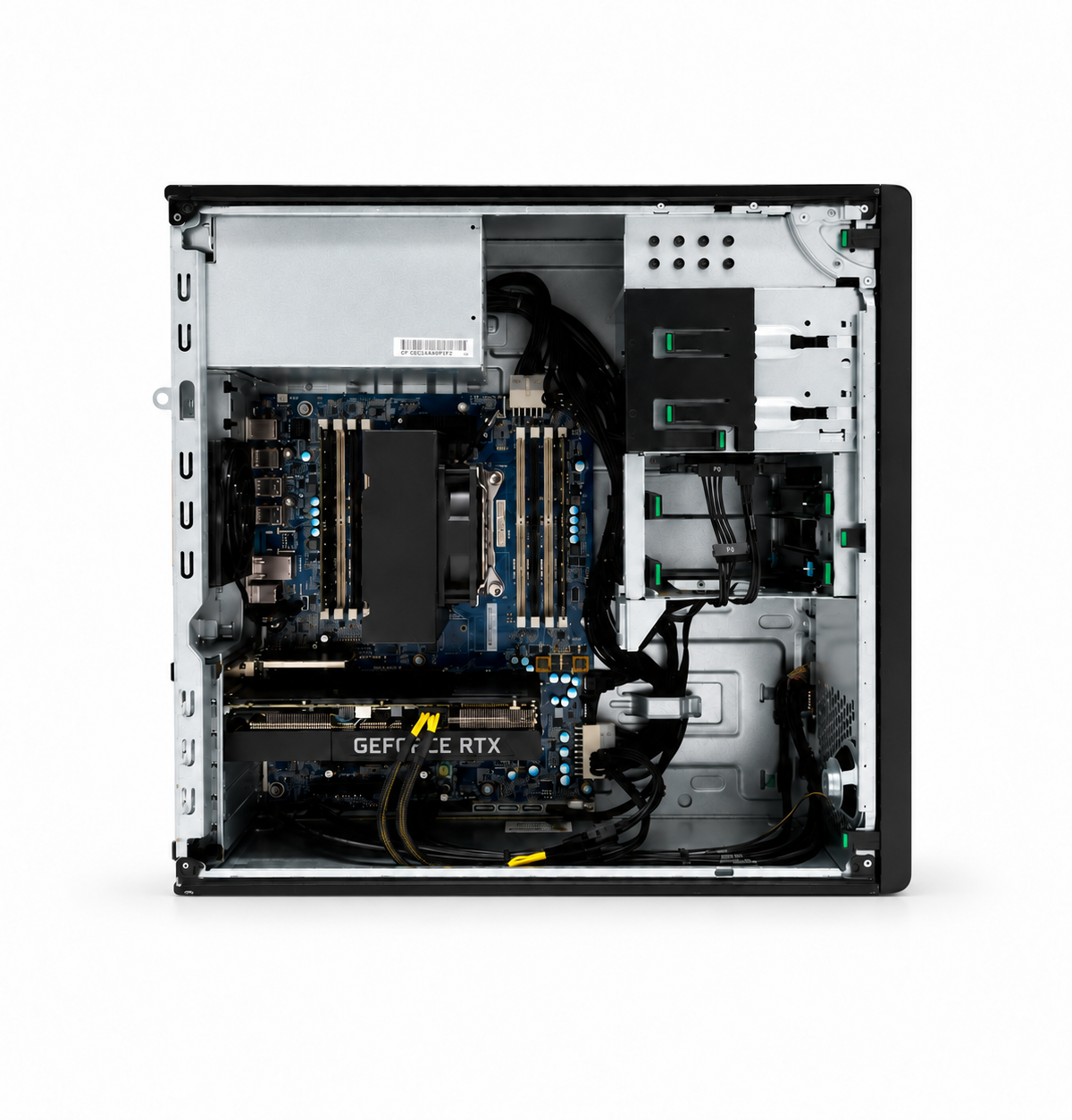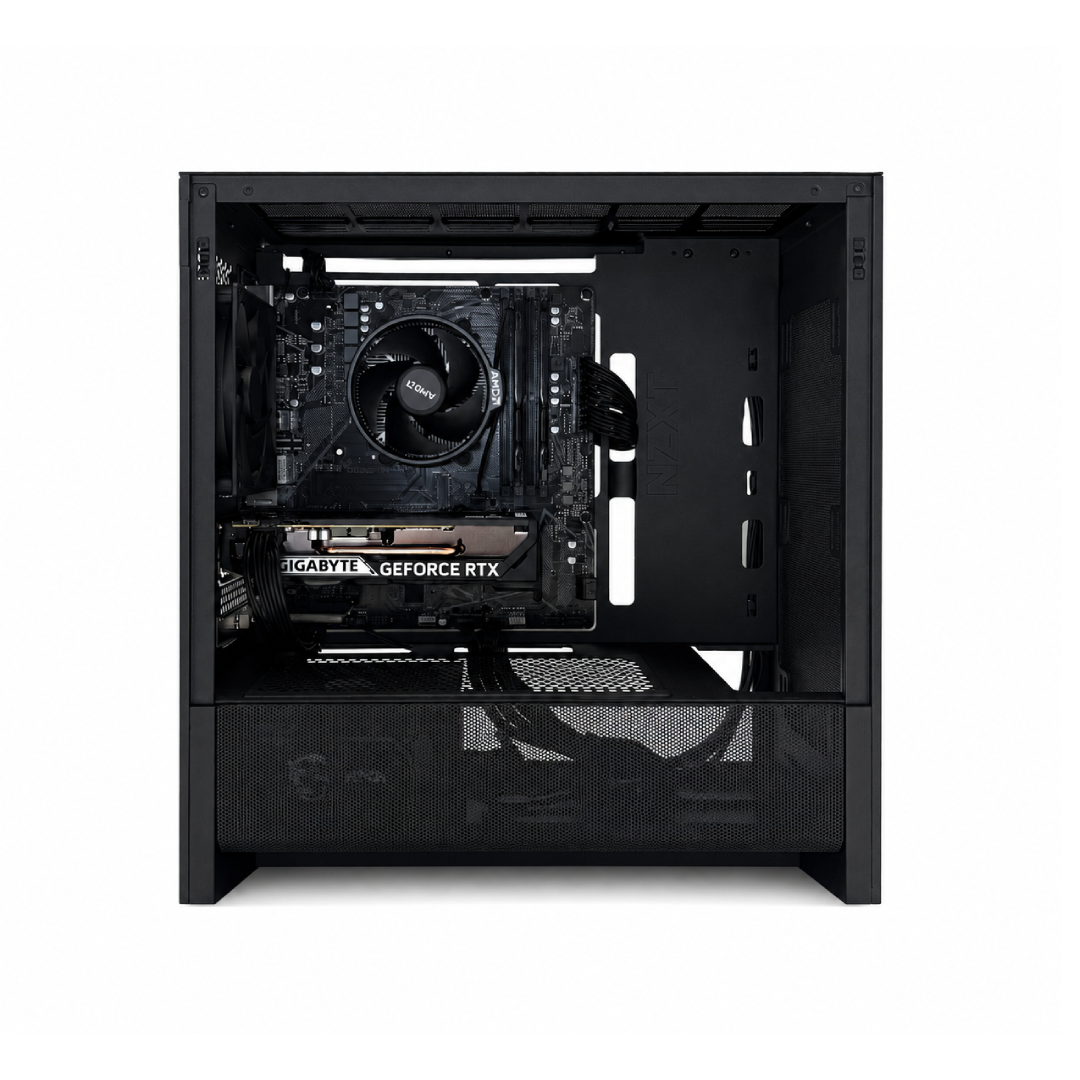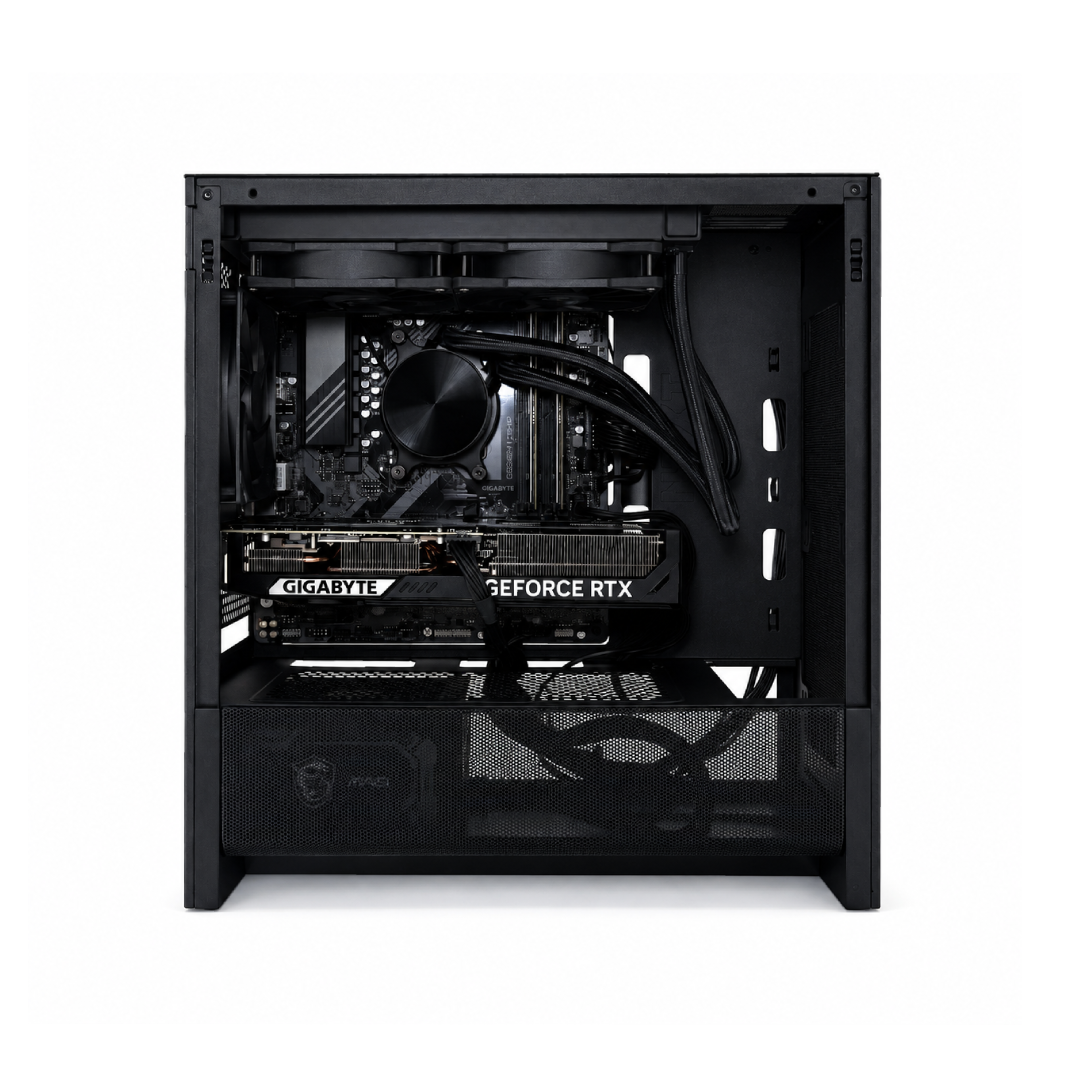
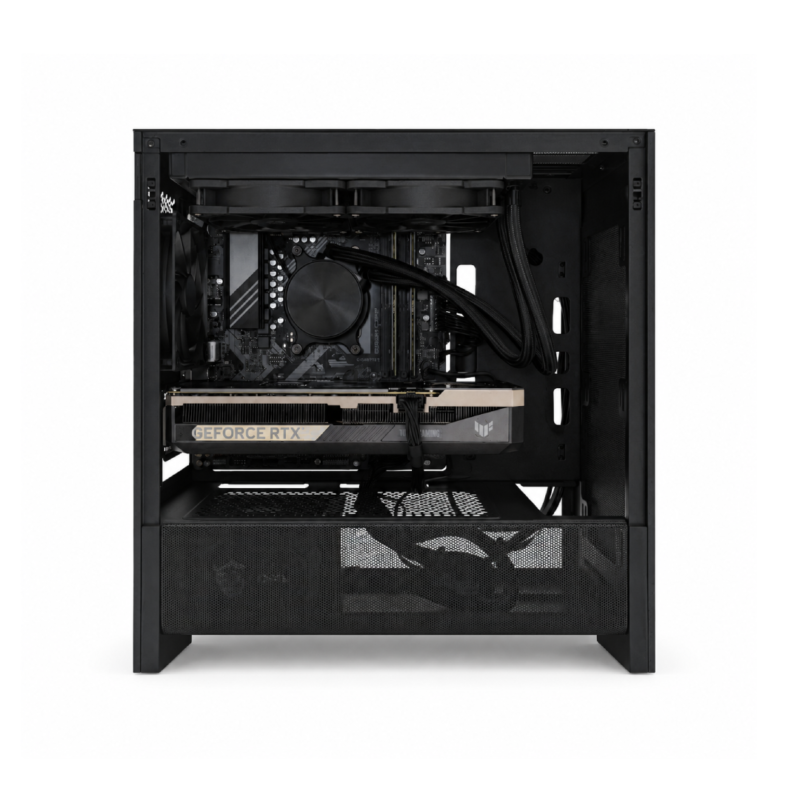
High End
- Built and tested by hand in our NYC shop
- Built to order, ships in 2–4 weeks Why?
- 1-year warranty on parts and labor
Key specs
All specs
- Processor
- Ryzen 7 9700X, 8 cores / 16 threads
- Graphics
- RTX 5080, 16GB GDDR7
- Memory
- 32GB DDR5
- Storage
- 2TB SSD
- Motherboard
- B850 Micro ATX
- Case
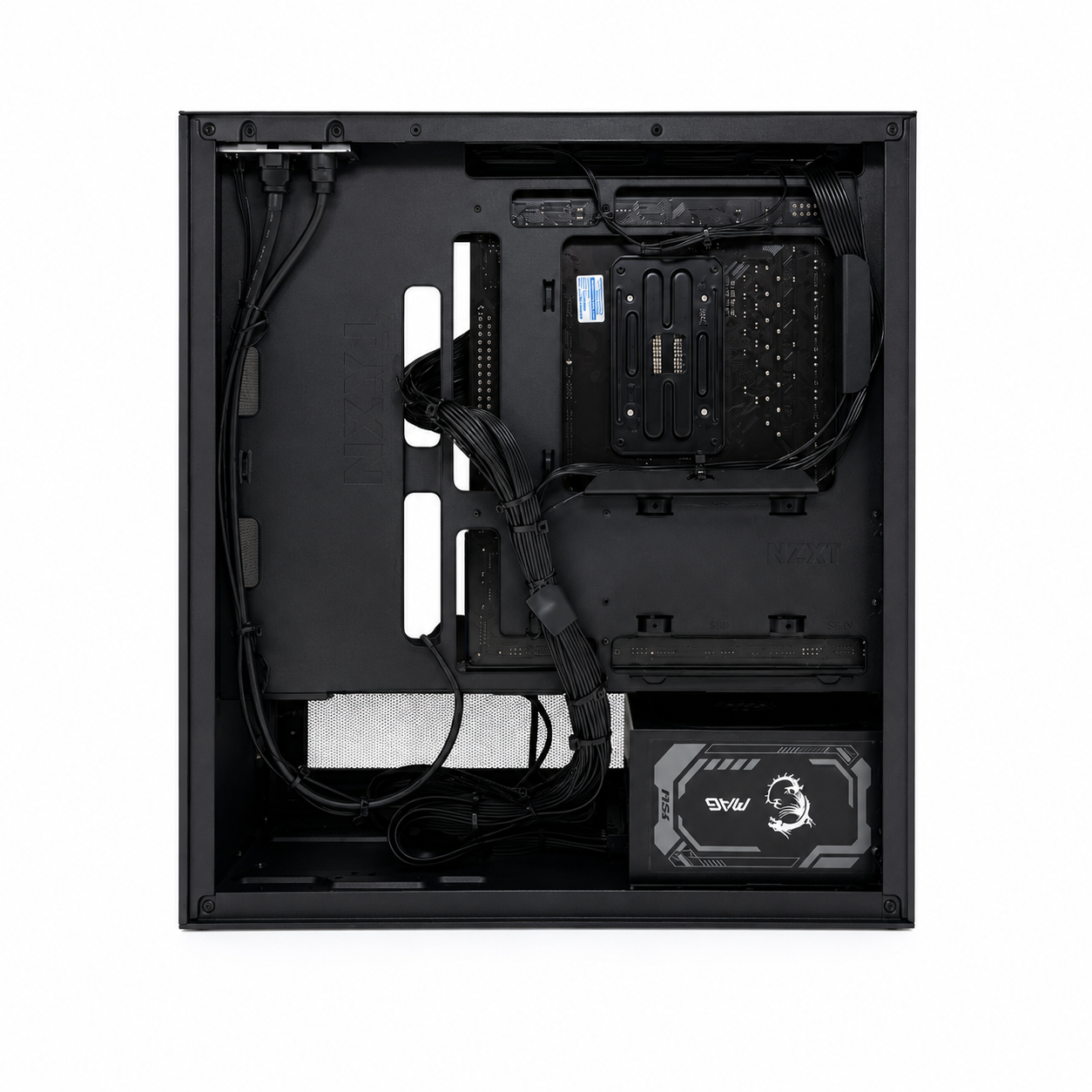
- NZXT H3 Flow
- Power supply
- 1000W 80+ Gold
- Operating system
- Windows 11, installed (not activated)
- Connectivity
- Wi-Fi 5 + Bluetooth
How it runs
Estimated average frame rates, based on published benchmarks for this hardware and rounded down. "Native" means no upscaling; DLSS, FSR and Frame Generation are named wherever they're used. Frame Generation adds AI frames for smoother motion.
Reviews
No reviews of this PC yet. Our store has 129 reviews averaging 4.8 stars. Read them
Good to know
Modern, current-generation parts
Builds use new, current-generation parts in a modern case, picked for the most performance at this price. Component brands may vary with availability; the specs, performance and warranty stay exactly as listed.
Why it takes 2–4 weeks
Your PC is put together, upgraded and tested for you after you order, not pulled off a shelf. You get your tracking number by email the moment it ships, and shipping itself is free.
Warranty and returns
A 1-year limited warranty covers parts and labor; contact us first and we'll sort it out under your coverage. If your PC arrives with a defect (it won't power on, overheats, crashes or freezes), you have 14 days from delivery to request a return. We don't take returns for a change of mind, so ask us before you order if you're not sure it fits your games. Full policies
Windows 11: installed, not activated
Every PC comes with Windows 11 installed, updated, and ready to use. We leave activation to you so we're not adding the cost of a license to your price. Unactivated, Windows works normally; you'll see a small "Activate Windows" watermark and can't change personalization settings like the wallpaper. When you're ready, you can buy a key straight from Microsoft in Settings → Activation. We don't use cheap keys from third-party sites, because they can get deactivated later and leave you with a problem down the road.
How do I set it up?
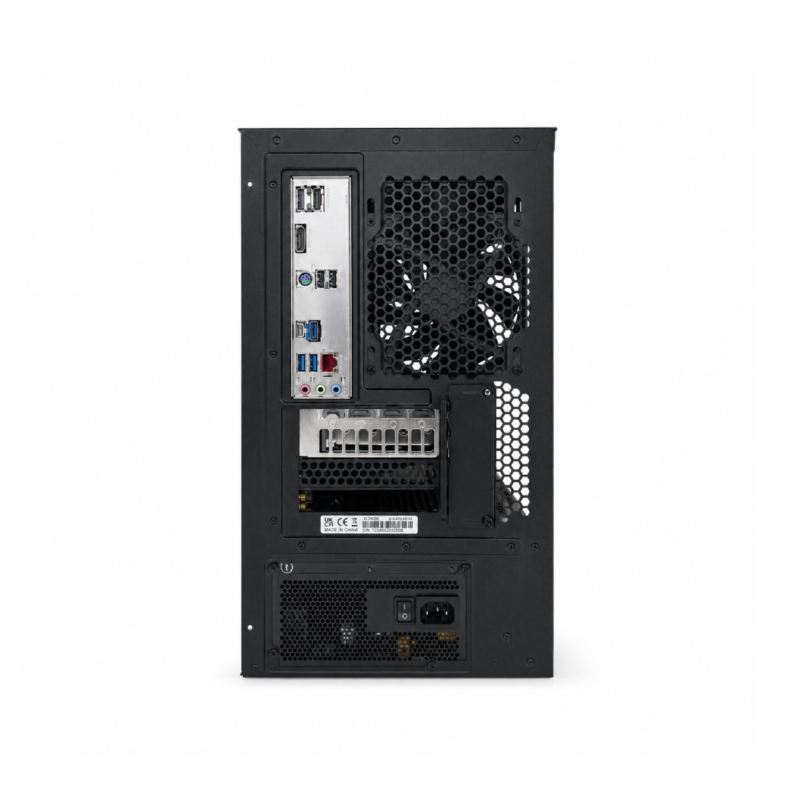
Plug your monitor into the graphics card's ports (the lower ones on the back), not the motherboard's. Connect power, then Wi-Fi or Ethernet, and sign in. Windows and drivers are already set up, so you can start installing games right away.
What's in the box
The PC, a power cable, and Wi-Fi antennas. Windows 11 comes installed (not activated), with drivers and updates done.